 Image to Video
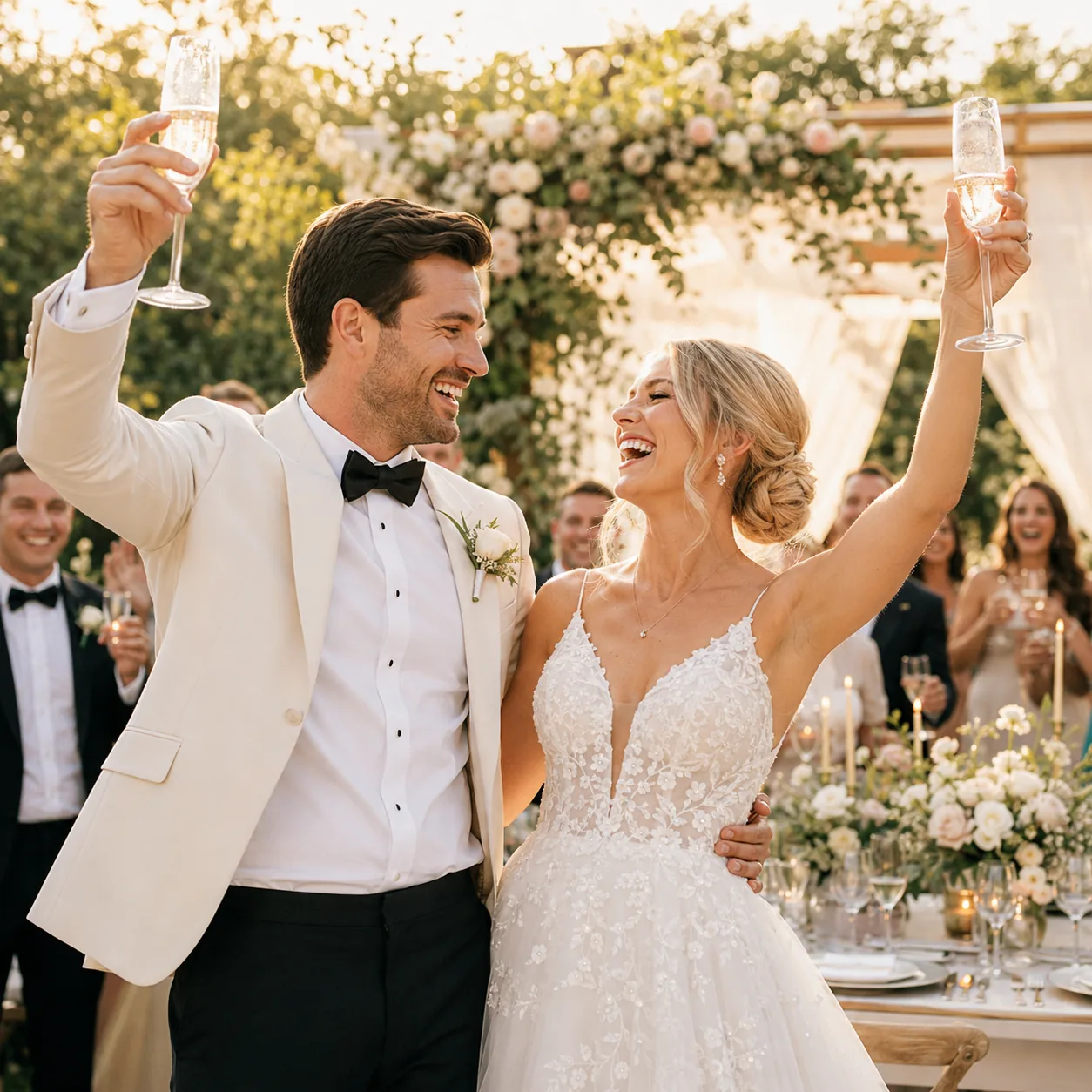
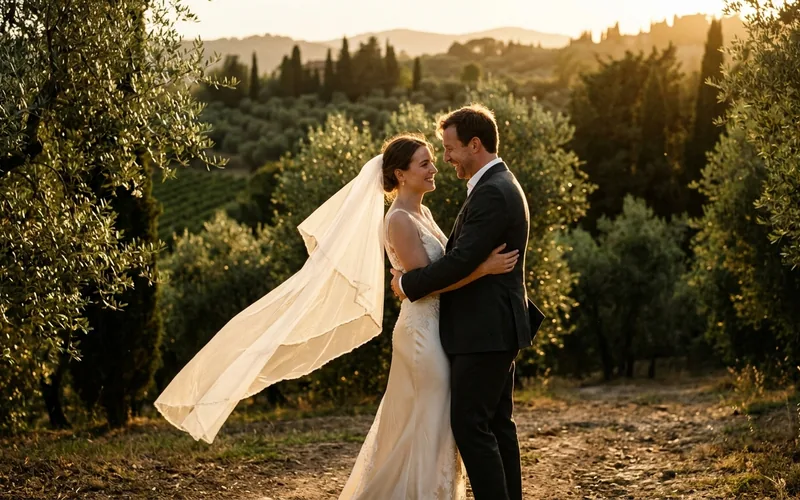
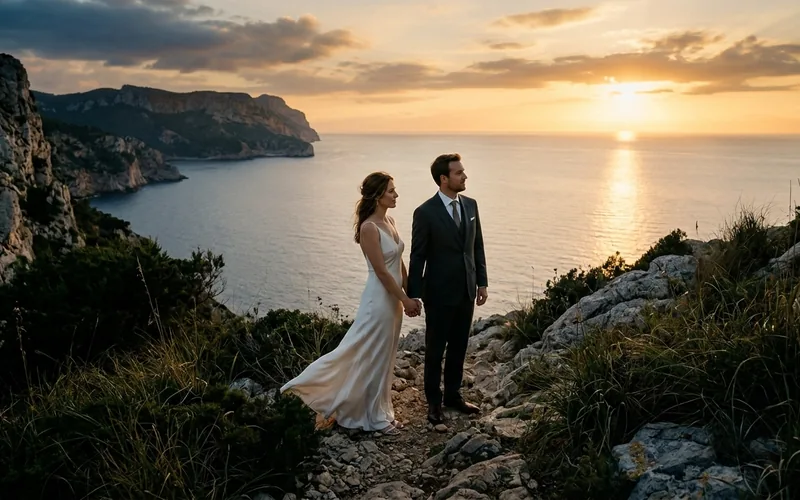
Golden Hour Couple Portrait
Add warm sunlight and slow camera push to an outdoor wedding portrait.
View prompt
Slow romantic camera push in on newlyweds embracing at sunset, soft wind in veil, golden rim light.

Upload a wedding photo or write a scene description, guide the camera motion, and preview your short video clip before downloading.
Explore six short photo-to-video and text-to-video wedding clip directions you can generate above.
Image to VideoAdd warm sunlight and slow camera push to an outdoor wedding portrait.
Slow romantic camera push in on newlyweds embracing at sunset, soft wind in veil, golden rim light.
 Bridal Portrait
Bring delicate movement to bridal portraits and outdoor ceremony shots.
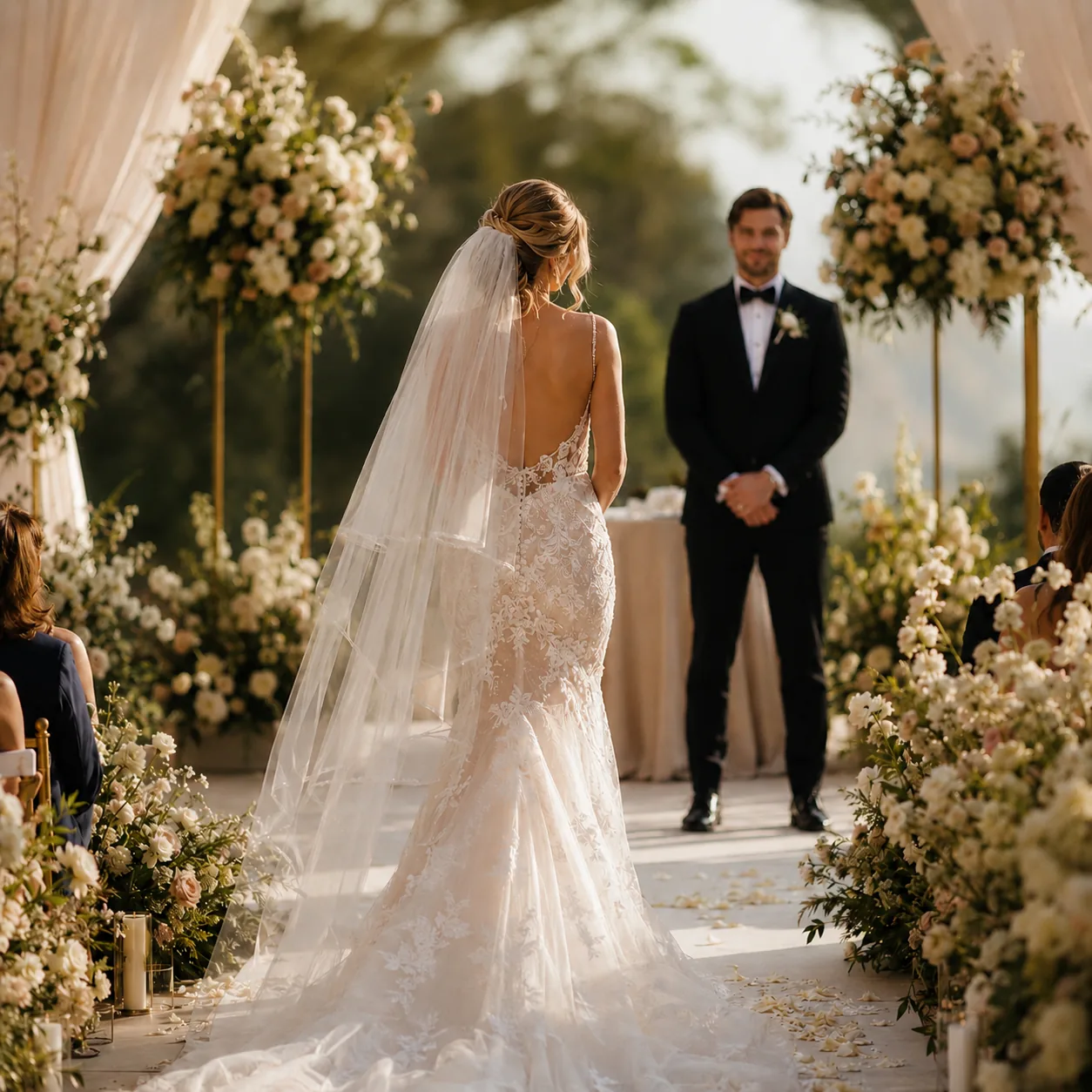
Gentle afternoon breeze lifting sheer lace bridal veil while soft sunlight filters through garden trees.
 Text to Video
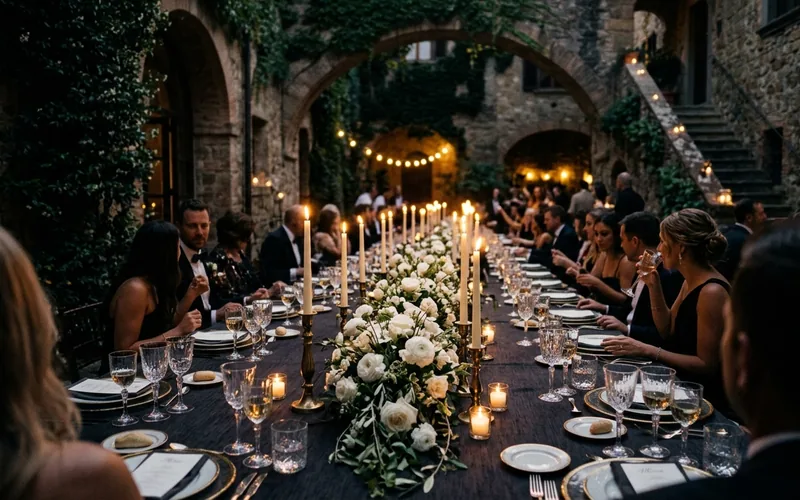
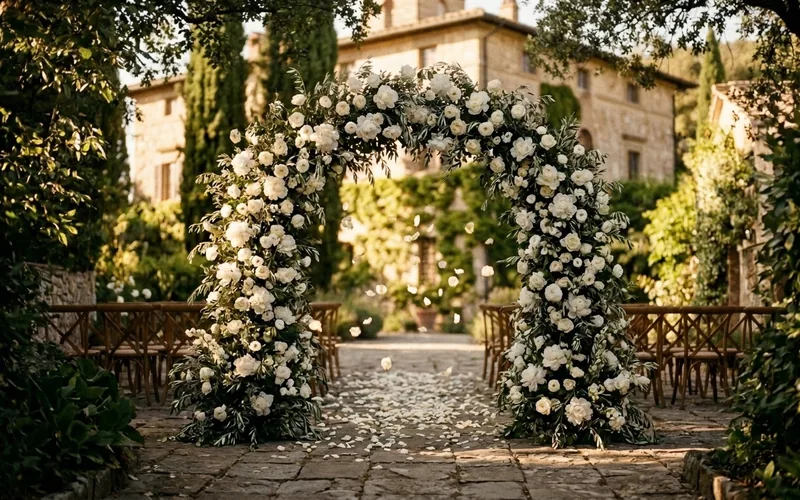
Generate an atmospheric venue teaser clip from a text prompt alone.
Candlelit wedding reception hall with flickering taper candles, ivory florals, slow sweeping camera glide.
 Evening Exit
Capture the energy of an evening reception exit in a short vertical clip.
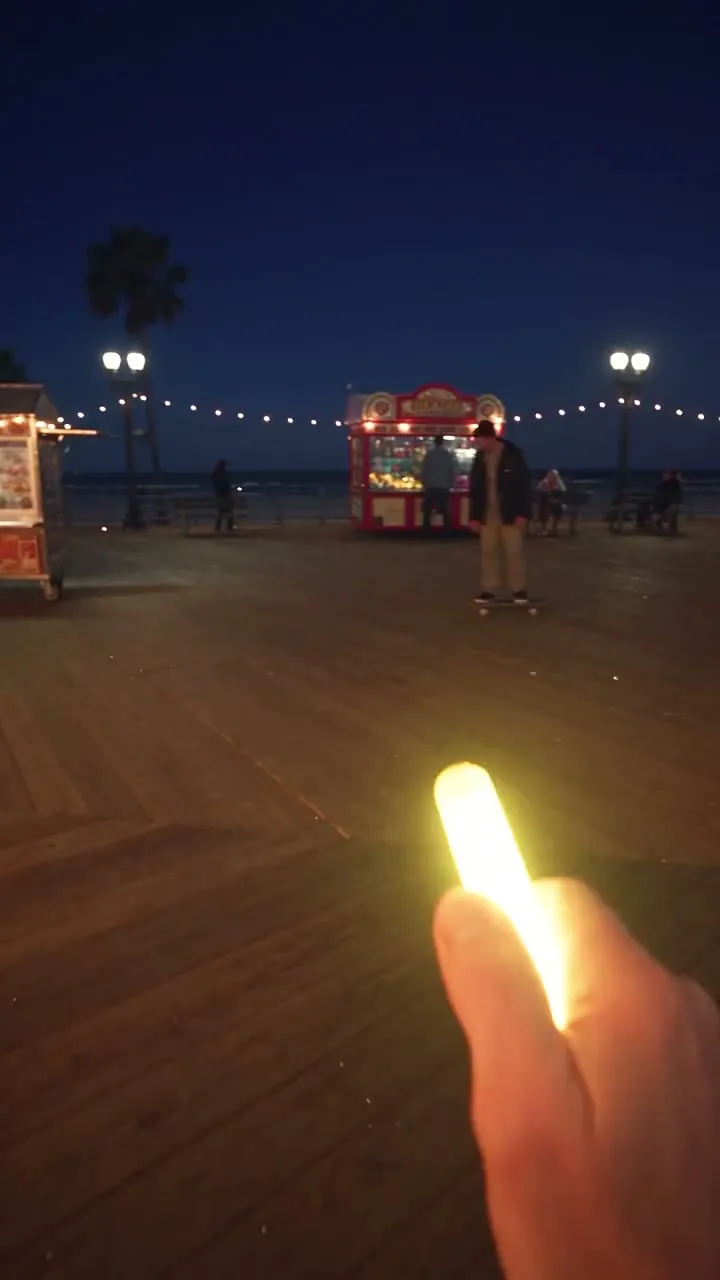
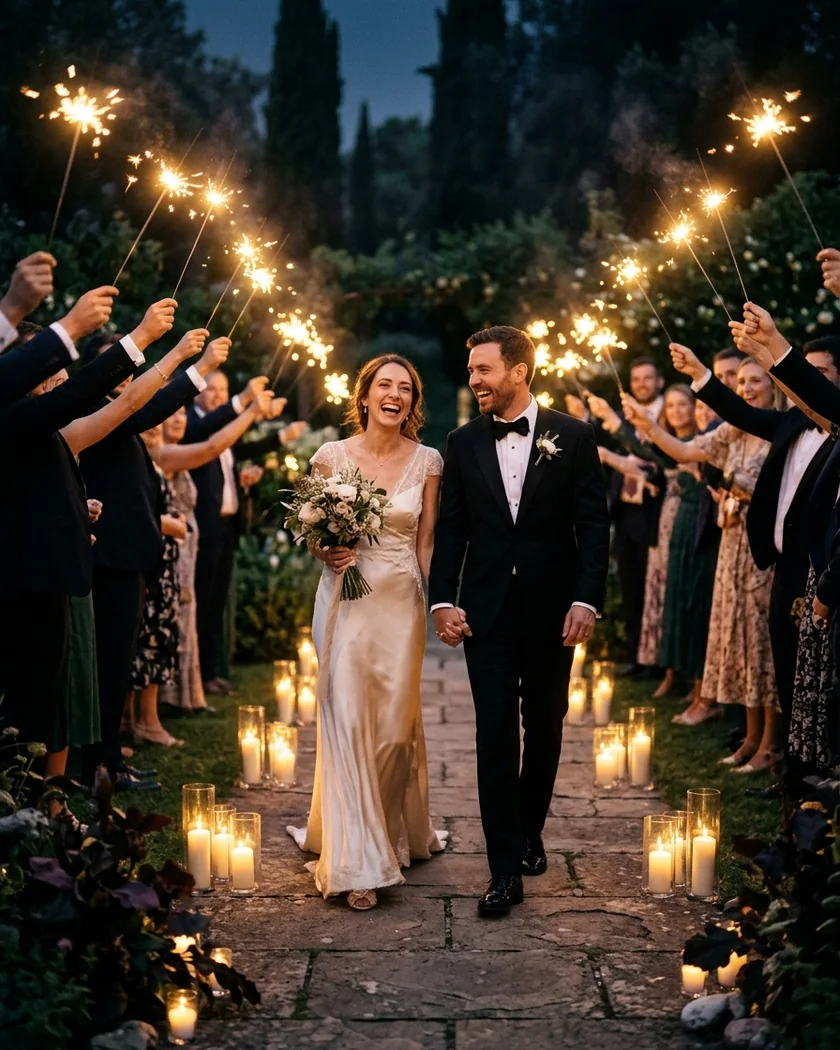
Newlyweds smiling beneath glowing wedding sparklers at night, gentle warm shimmer, cinematic film grain.
 End Frame
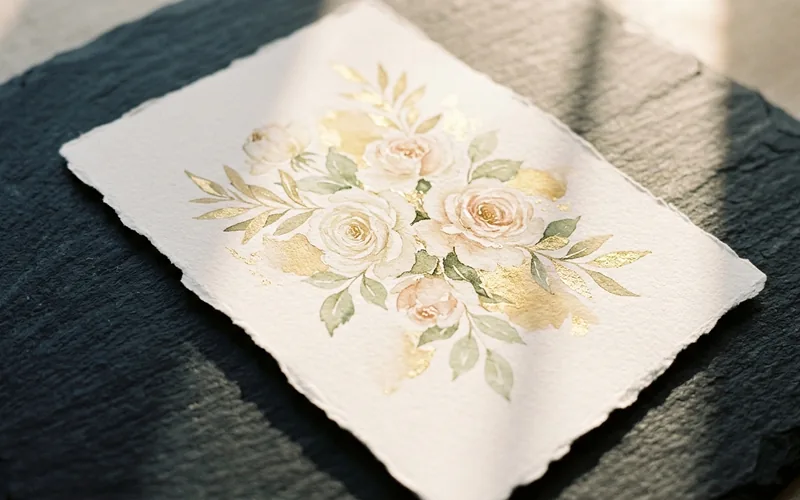
Use an optional end frame to steer motion cleanly between two posed shots.
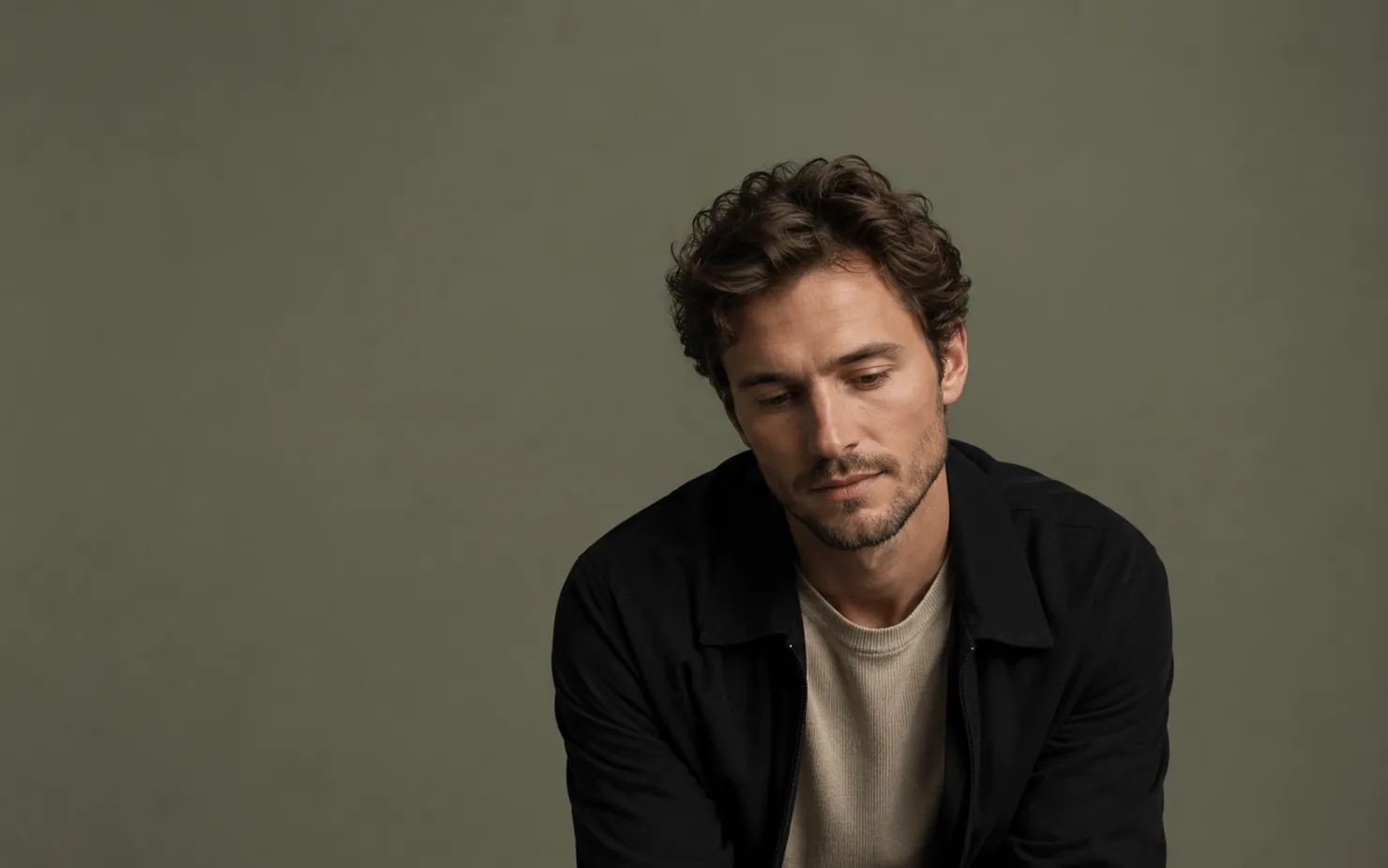
Smooth, gentle camera motion transitioning warmly from engagement portrait to wedding-day embrace.
 35mm Film
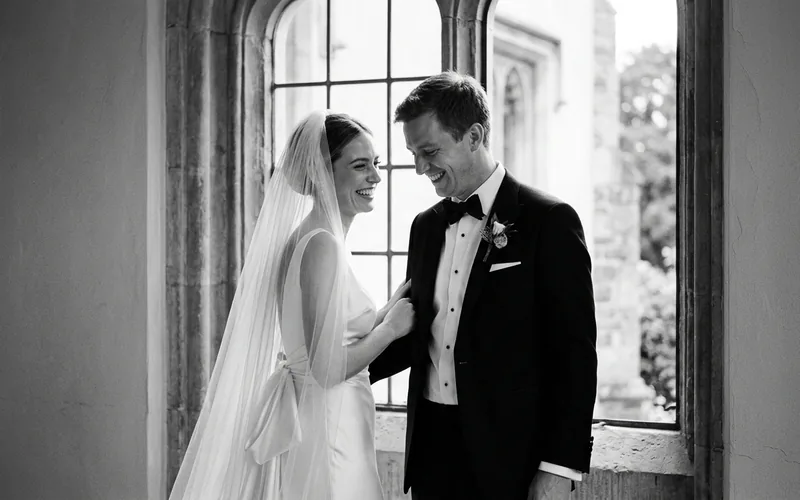
Give candid wedding photographs the feel of vintage home-movie footage.
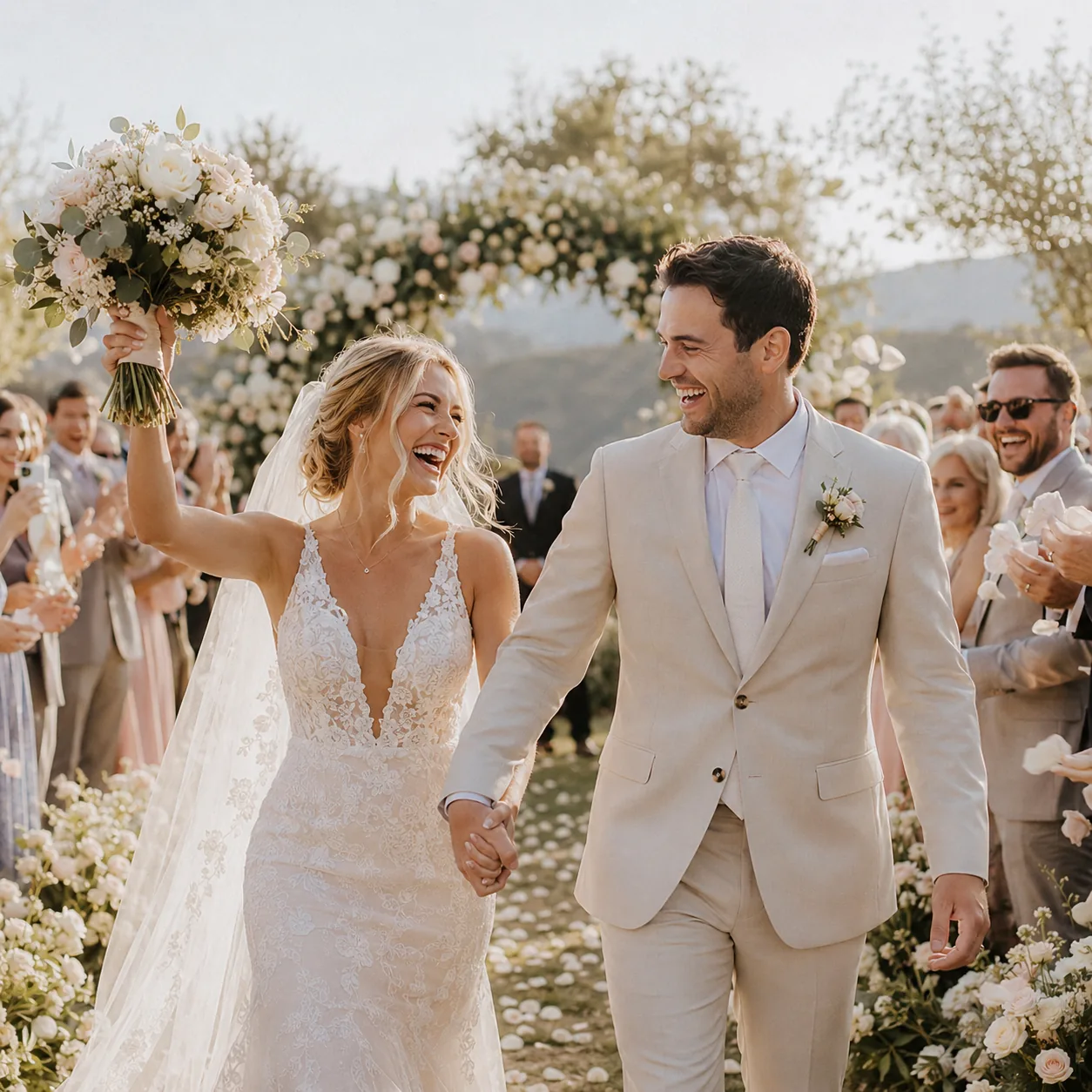
Subtle handheld 35mm film drift on a laughing newlywed couple in a garden, warm nostalgic tones.
To make a wedding video clip, upload one photo or enter a scene prompt, describe the motion you want, and preview the clip before downloading.
Upload one favorite engagement or wedding photo, add an optional end frame, or describe a romantic scene in text.
Write simple visual cues such as slow camera push, golden hour glow, or gentle veil movement.
Watch your short animated clip in the output panel, then download it to post, text, or assemble in your video editor.
Generate crisp, romantic short video clips without complex timeline software.
Turn a favorite still frame from your photographer into a living five-second moment.
Create atmospheric venue, floral, or candlelight clips directly from a short written description.
Pair a start photo with an optional end frame when you want more control over where the clip finishes.
Guide lighting, breeze, bokeh, and slow camera pans in plain English without editing keyframes.
Watch the finished motion right in the workspace before downloading the video file.
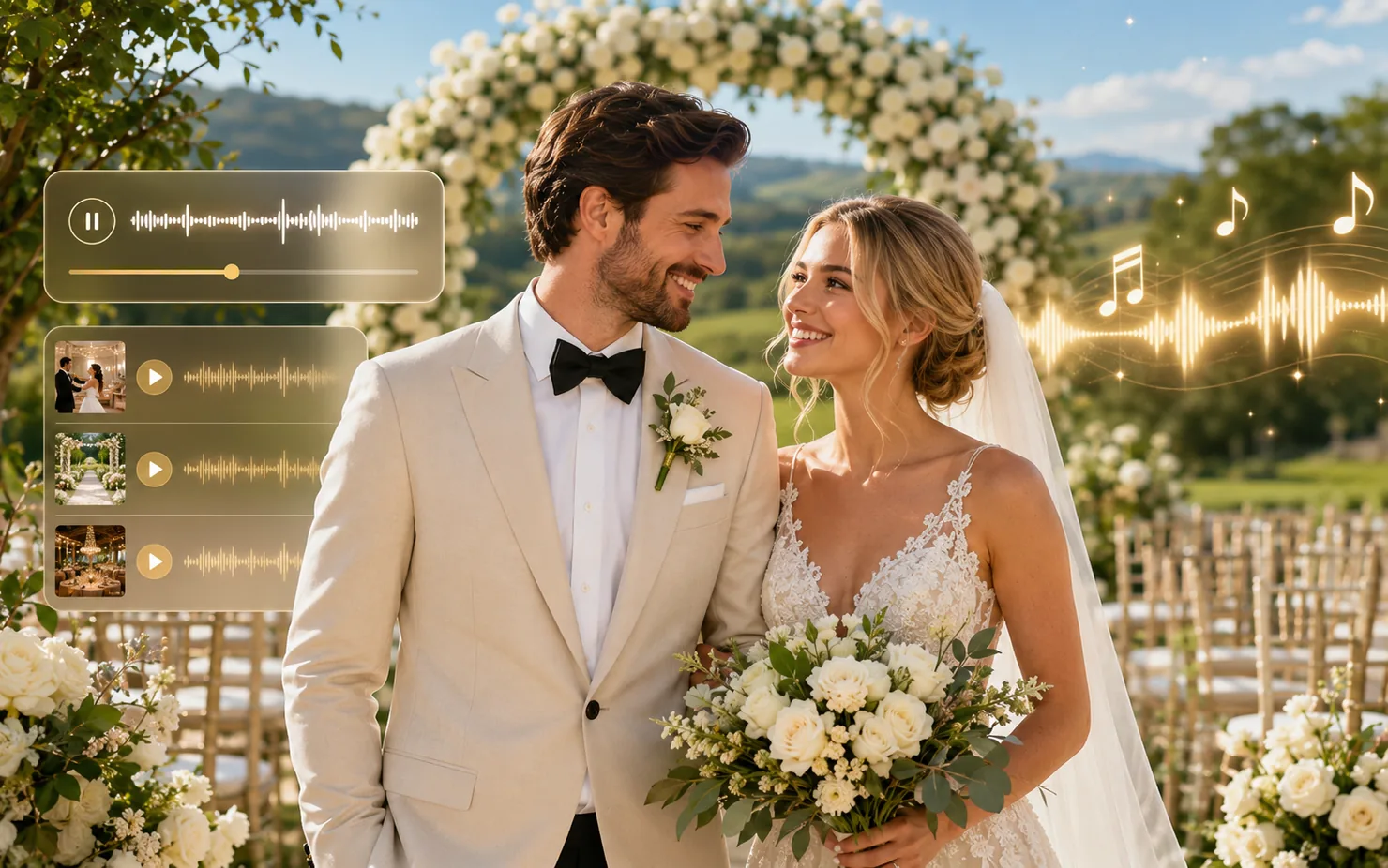
Save your animated clip and combine it in any video editor with a separate track from our wedding song tools.
Use these six visual directions to describe lighting and camera motion in your prompt.
Generate broad wedding clips right here, or jump to specialized invitation, vintage photo, anniversary, or song tools.
Challenges
Solution
Upload one crisp engagement photo and describe a slow camera push with warm afternoon light.
Challenges
Solution
Visit our dedicated Wedding Invitation Video page for invite-specific prompts and guidance.
Challenges
Solution
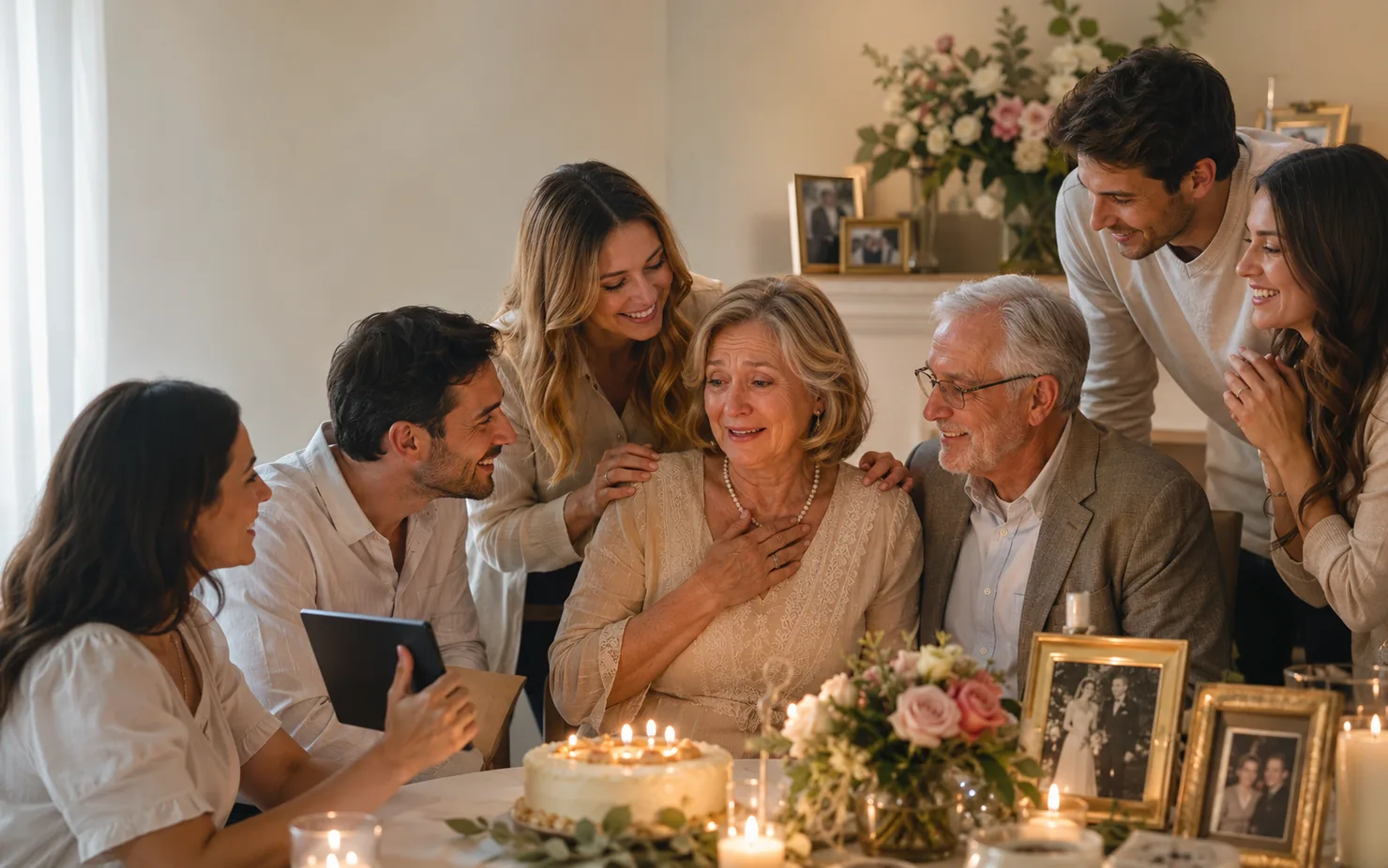
Choose a portrait aspect ratio, upload your favorite sneak-peek photo, and download a short clip to post immediately.
Challenges
Solution
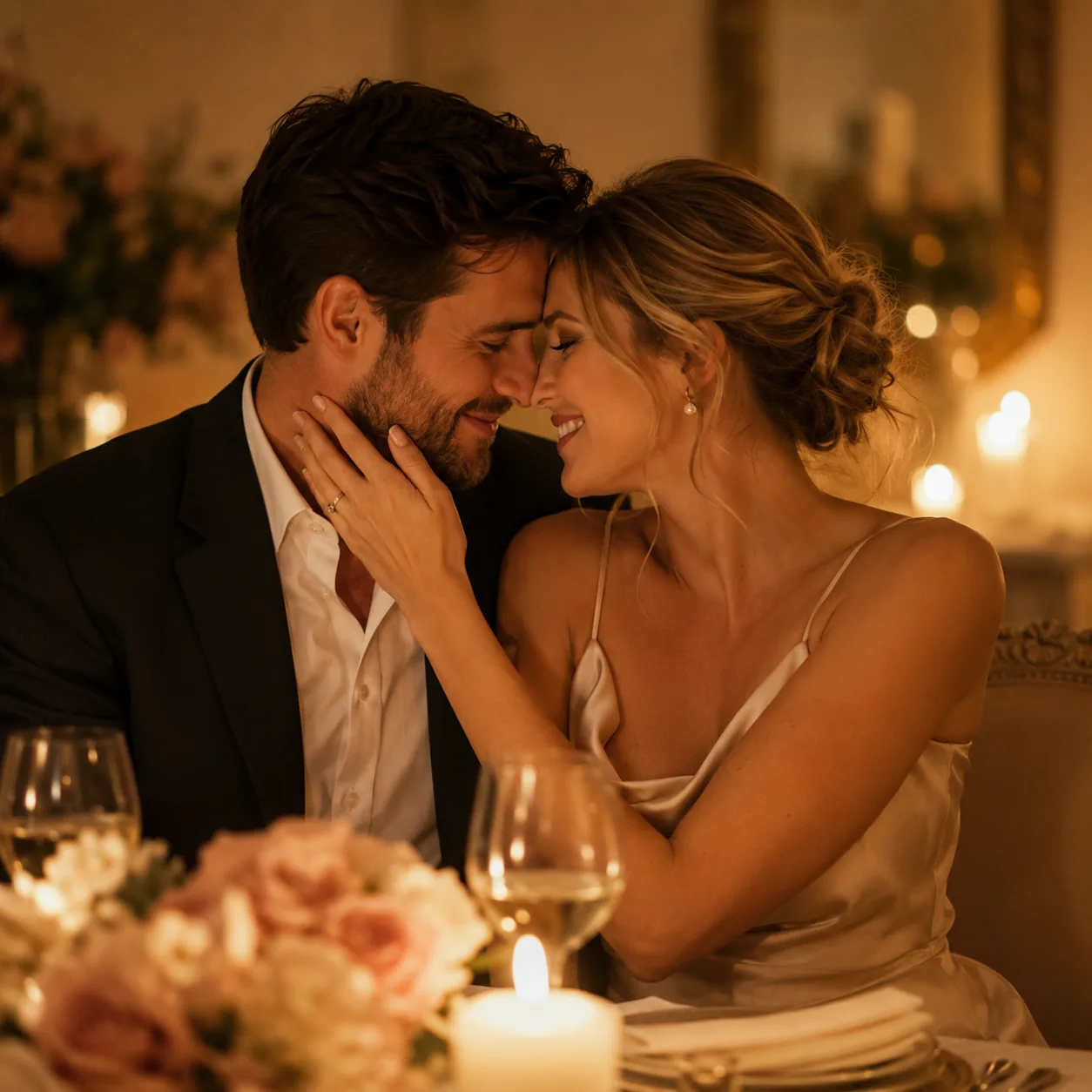
Use our dedicated Animate Old Photos tool tailored for vintage wedding and family photographs.
Challenges
Solution
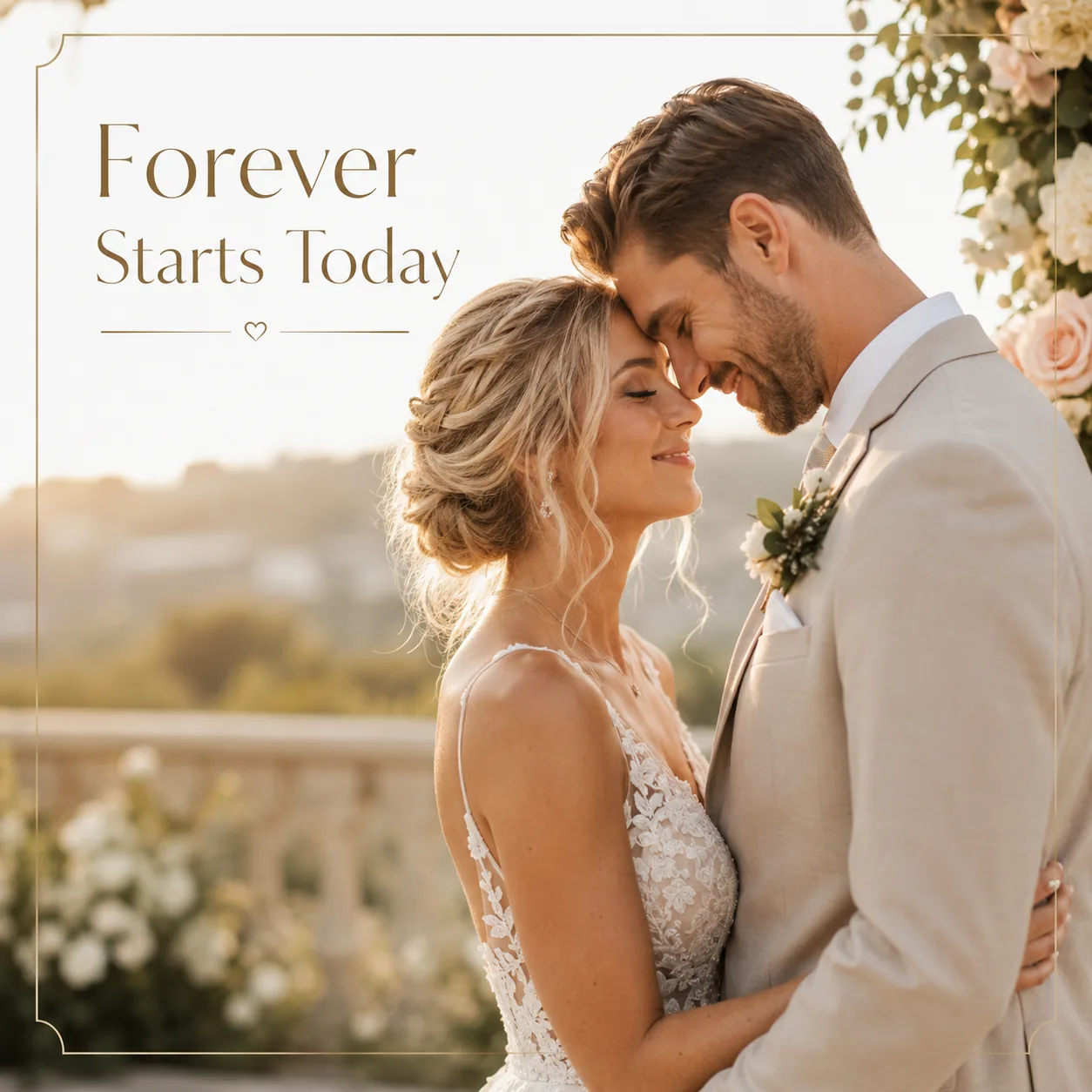
Head to our Anniversary Video page built specifically for couple milestones.
Challenges
Solution
Generate your own track on our AI Wedding Song Generator and combine the downloaded audio and video files in any video editor.
Upload one clear wedding or engagement photo in the workspace above, describe the gentle motion and lighting you want, and click generate to preview your short clip.
Yes. Use the text-to-video mode to describe a candlelit reception hall, garden archway, or romantic sunset scene without uploading an image.
Adding an optional end frame gives the video model a target visual for the end of the clip, helping steer the camera or composition from your start photo toward your closing image.
Short, calm directions work best, such as "slow camera push in, gentle breeze in veil, warm golden hour light." Keeping motion subtle prevents unnatural distortion.
Yes. Every generated clip plays directly inside the output panel so you can review the motion before downloading the video file.
Visit our AI Wedding Song Generator to create an original wedding song file separately, then pair your downloaded audio and video clips in any editing app.
Download the finished clip directly to your phone or computer and post it straight to Instagram Reels, Stories, WhatsApp, or group texts. Picking a vertical aspect ratio before generating fills mobile screens cleanly.
Visit our Wedding Invitation Video page when you specifically want an animated clip to accompany your digital invitation details.
Upload a wedding photo or enter a scene prompt above to preview a short animated clip in minutes.
Generates short animated clips from one photo, optional end frame, or text prompt.